My Wallet Got Drained on Base: The Exact First Hour of Damage Control
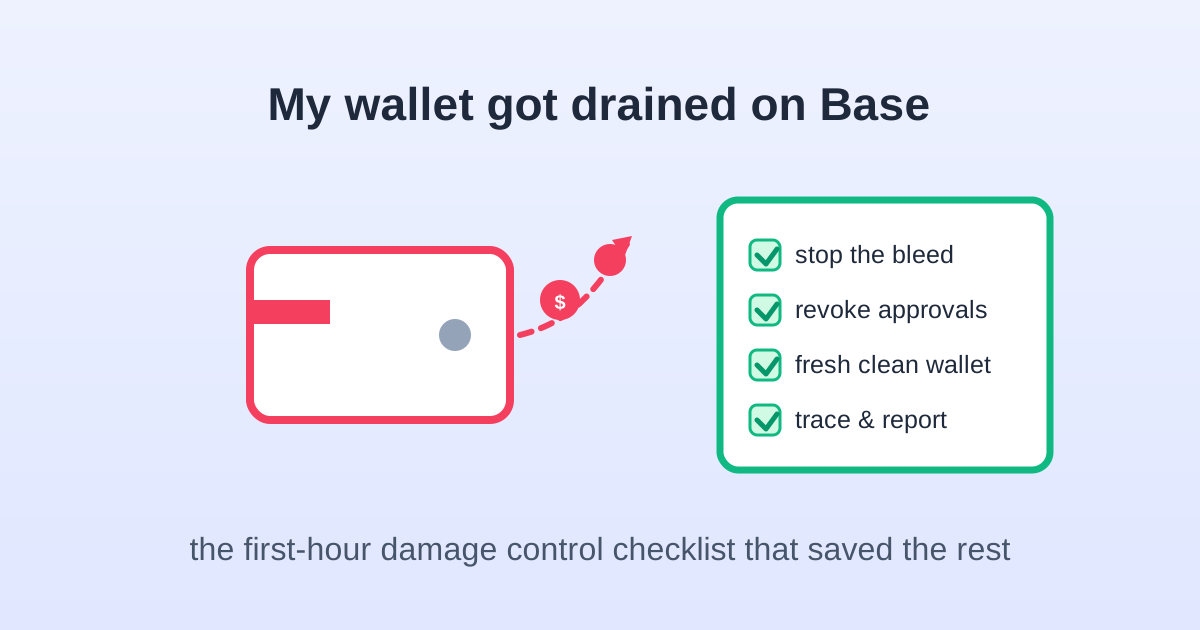
The notification I never thought I would get
It was a Tuesday evening and my watch buzzed twice — my own explorer watch-list alerts. Incoming approval. Outgoing transfer. I opened the explorer on my phone and watched a farming wallet I used for experimental Base protocols give an unlimited allowance to an address I did not recognize, then empty its USDC within a minute. Roughly $900. The initial feeling was pure paralysis, then a very specific calm: I had read enough post-mortems to know the first hour decides whether the loss stops there.
Everything in this article is the response I executed that night, written down while it was fresh. I am not a security professional — these are the steps that security professionals and the explorer documentation agree on. If you are reading this while actively being drained, skip to the next section and do those steps in order; read the rest later.
The first ten minutes: stop the bleed
Four actions, in this order, before investigating anything:
- Stop approving anything. Close every dApp tab, and do not sign another message or transaction on the compromised wallet. A drain often begins with a signature or approval, and the attacker returns while the wallet is still hot.
- Move remaining funds out immediately. Whatever the attacker did not take — different tokens, an NFT, ETH on another chain — send it to a wallet you have never touched on this device. Speed beats elegance; use the cheapest fast exchange or a fresh software wallet address you generate on another device.
- Do NOT empty the wallet into your main wallet on the same machine. If malware is involved, the destination address is now the next target. The safe route is a brand-new address created on a clean device or a hardware wallet you own.
- Revoke live approvals from a clean environment. Use a different device or a fresh browser profile with only the approval tool installed — never the same browser where the drain started. The revocation guide has the exact flow; revoking costs cents on Base and Arbitrum, and it blocks the attacker from returning for tokens you deposit later.
That last point matters: a compromised wallet is compromised forever. People revoke everything, feel safe, and refill the same address months later — then get drained again because the original access vector (seed exposure, malicious extension, device malware) was never removed. Treat the wallet as burned.
How I figured out what actually happened
Once the bleeding stopped, I traced the incident on the explorer, because the how determines the response:
- An approval transaction to an unknown spender followed by a token pull means a malicious approval or a phishing signature — the most common L2 drain. Revoking closes the spender's access.
- A direct outgoing transfer you did not make is worse: it suggests seed phrase or private key compromise. No revocation helps — abandon the wallet entirely, because the attacker can drain any chain at any time.
- An EIP-712 signature (sometimes a "Permit" signature) can grant approvals without a transaction, which is why you saw no warning. Revoke the affected token and Permit2 itself.
I opened the first malicious transaction on Arbiscan/Basescan, copied the attacker address, and followed its trail — which contract paid it, where the funds hopped next, whether they entered a known mixer or an exchange deposit. Most drains are automated operations funded by a central wallet, so the path often repeats across dozens of victims. The Arbiscan guide explains exactly which tabs expose this.
Setting up the wallet that replaces it
The replacement wallet deserves more care than the original ever got. My setup after the incident: a fresh software wallet created on a device I had recently reset, backed up with a seed phrase written to steel and stored offline — never in a photo, note app, or cloud-synced anything. Meaningful balances moved to a hardware wallet, with the split described in the hardware wallet guide: cold stays boring, hot stays small.
Then the hygiene audit that should have happened sooner:
- Removed every browser extension I could not explicitly vouch for, reinstalled the wallet extension fresh from the official store.
- Changed passwords on the associated email account and enabled a hardware-key second factor — SMS codes are the weakest link in the "reset my whole life" chain.
- Swept other wallets generated from the same seed or used on the same machine. If the seed leaked, every address from it is dead; if it was device malware, every wallet on that device is suspect.
- Set explorer watch-list alerts on the old address, which is how I later saw the attacker return three weeks later for new dust.
Reporting: what actually helps, what does not
Real talk on recovery odds: confirmed on-chain transactions are irreversible, and no "recovery agent" who DMs you after seeing your public complaint can reverse one. Anyone asking for an upfront fee, your seed phrase, or a "verification" transaction is running the second scam layered on top of the first. I got three such DMs within an hour of the incident — they monitor public reports.
What is worth doing:
- Flag the attacker address on the explorer and on wallet blocklists — it takes a minute and protects the next person the operation targets.
- Report to the exchange or front-end involved. If funds entered a centralized exchange deposit (the trail often ends at one), file a report with the transaction hashes within hours; exchanges can freeze linked accounts quickly when notified early.
- File the official reports. In the US that is reportfraud.ftc.gov and the FBI's IC3; elsewhere your local cybercrime unit. These rarely return small amounts individually, but funding addresses get linked across cases.
- Document everything for the tax side. Stolen crypto may qualify for a theft-loss position in some jurisdictions in some years — the rules change and are restrictive; ask a professional rather than assuming. Save the explorer receipts, police report, and the date and fair-market value of everything lost, using the habits in the L2 taxes guide.
How the attack happened to me — and the prevention list
The boring confession: I signed a misleading signature on a site that cloned a small airdrop claim page. It looked like a harmless login signature; it was a Permit-style approval. I skipped the two checks I now never skip — reading what the wallet popup actually says (a login signature and a token approval look different in plain text if you bother to read), and verifying the domain against the protocol's official links. The airdrop-farming context made me sloppy, exactly as the airdrop guide warns about.
The prevention list is short and I follow every line now:
- Read every signature popup word by word; reject anything that mentions tokens, permits, allowances, or spending limits when you expected a login.
- Only arrive at dApps from official links I typed or bookmarked — never DMs, replies, or search ads.
- Use separate wallets: one for experiments with small money, one for real positions, one in cold storage. The farming wallet absorbed the hit; nothing else was touched.
- Quarterly approval revokes, explorer watch-lists on my own addresses, and no seed phrase anywhere with an internet connection.
I lost about $900 and recovered none of it. I also did not lose the other five figures spread across wallets that were set up correctly, which is the version of the story I try to focus on. The cheapest insurance on these chains is not the gas — it is ten minutes of hygiene per quarter and enough paranoia to actually read the popup. Set up the alerts before you ever need them.
Trade on Base / Arbitrum with Low Fees
Choose a trusted platform to swap, bridge, and trade on L2 networks.
Affiliate links — we may earn a commission at no extra cost to you.